Online course · surgical video

Your best cases,recorded and edited by you.

From the image processor signal to a video ready for lectures and congresses, in two straightforward modules, with free software and a technical support group on WhatsApp.

Surgical video
01 / 02
Course introduction — Thiago Bramante
00:00:00

Move the cursor over the video to light up the surgical field. Excerpts from lectures on the platform.

Format2 modules · 22 lectures
SupportWhatsApp group
Access1 year
Guarantee7 days

Support

You are not alone when it is time to plug in the cables.

When you enroll, you join the technical support group on WhatsApp: which adapter to buy, a signal that disappeared, OBS settings. Answers come from someone who knows the operating room.

  • Always open

    VIP technical support group

    On WhatsApp, for your entire access period.

  • Immediate

    Both modules unlocked

    Recording and editing, to watch whenever you want.

  • 1 year

    Updates included

    Everything added to the course during your access.

Surgery Express VIP groupTechnical support
I’m at the laparoscopy tower in the hospital and the signal disappeared on the capture card. What should I do?14:32
Check the output resolution on the tower’s processor. Set it to 1080p and make sure the card is on the HDMI In input.14:33
Fixed! It connected right away. Thank you!14:35

What you get

Surgical video, your greatest career asset.

01

Record straight from the tower

Three ways to capture the signal: the processor itself, an external recorder or a capture card with a laptop.

02

Any equipment

Laparoscopy, robotics, microscopy, endoscopy and colonoscopy.

03

Free software

OBS Studio to capture and CapCut to edit, on ordinary computers.

04

Teaching-oriented editing

Hours of raw surgery become a clinical case of a few minutes, with cuts, annotations and slow motion on key anatomy.

05

Congress-ready

High-quality export for lectures, congresses and big screens.

06

Support on WhatsApp

A technical support group with someone who works inside the operating room.

Program

Two modules, from cable to screen.

The content as it stands today on the platform. Open each module to see the lectures.

  • FormatOnline course in 2 modules, with immediate access.
  • SupportVIP technical support group on WhatsApp.
  • Access1 year, with the updates released in that period.
  • Guarantee7 days, refund through the platform.

On the platform today

22lectures
2hours
3modules
Introduction1 lecture
  1. Introduction
Recording Module9 lectures
  1. Course Presentation
  2. Recording Methods: Recording Directly from the Image Processor
  3. Recording with External Recorders
  4. Video Output Connectors
  5. Video Output for Recording on the da Vinci Robot
  6. Recording with Capture Cards
  7. Installing OBS
  8. Recording with OBS
  9. Recording Module Wrap-Up
Editing Module12 lectures · 1 h
  1. Editing Module Introduction
  2. Importing Media and Layers
  3. Cuts
  4. Transitions
  5. Picture-in-Picture (PiP)
  6. Stickers
  7. Text
  8. Animations
  9. Speed Control
  10. Illustrations with Canva and CapCut
  11. Exporting and Finishing the File
  12. Editing Module Wrap-Up

Instructor

The specialist behind the broadcasts.

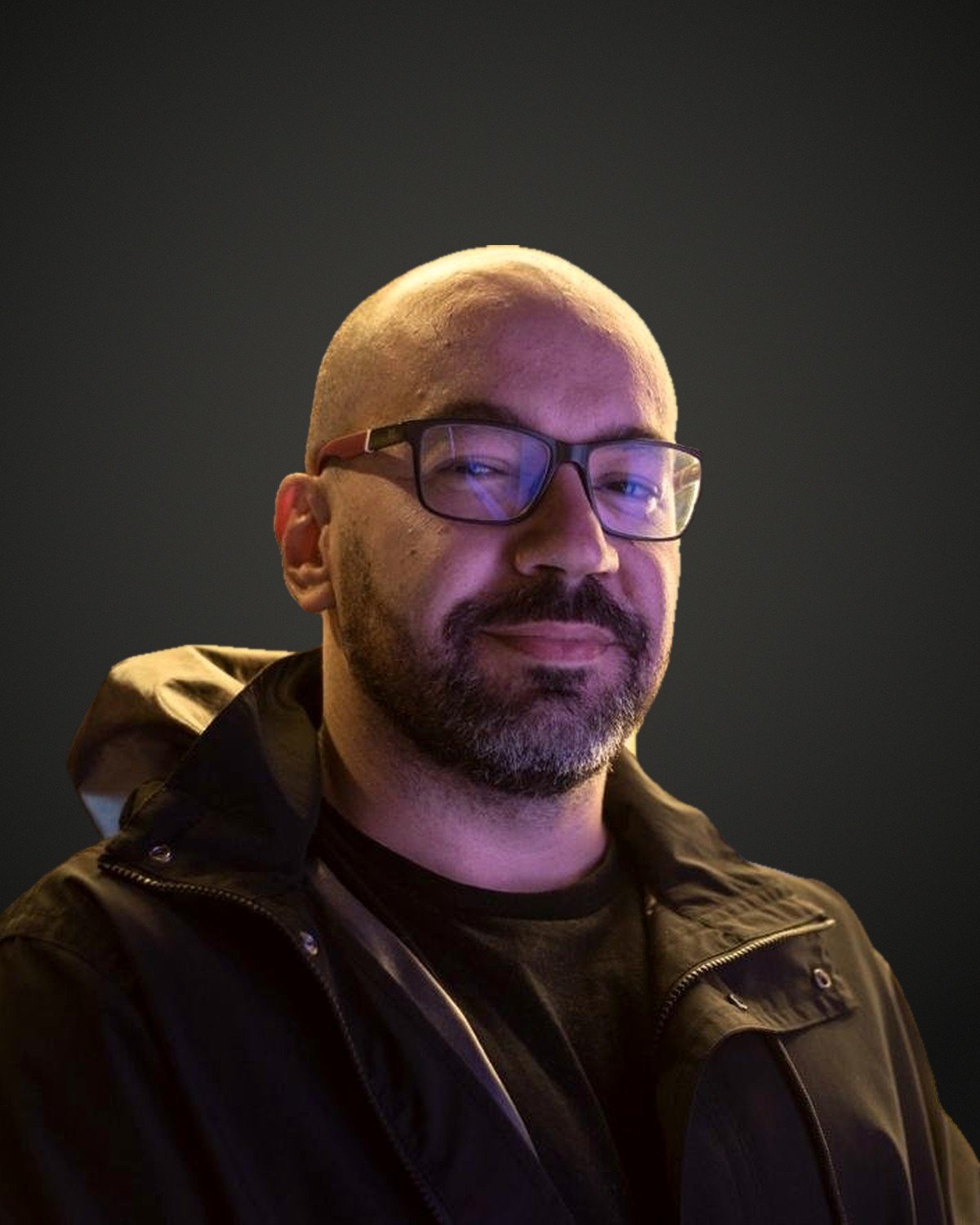
Thiago Bramante

Thiago Bramante

Founder of BR.AIN Audiovisual

More than 20 years of experience inside hospitals, specialized in capturing, broadcasting and managing data from surgical procedures. Since 2009 he has worked at major medical events and congresses in Brazil and abroad.

  • Technical training in Industrial Automation (SENAI) and Web Technology (SENAC)
  • Technical partner of robotic and laparoscopic surgeons
  • In charge of EduCare Hub’s surgical broadcasts

Investment

The whole method, with WhatsApp support.

Online courseEN

Surgery Express

  • 2 modules: recording and editing
  • 22 video lectures
  • VIP technical support group on WhatsApp
  • 1 year of access, with updates
  • 7-day guarantee
Investment · single paymentUS$ 120
Enroll now

Unconditional 7-day guarantee, refund through the platform.

Secure checkout by Eduzz. Single payment in US dollars.

Frequently asked questions

Before you enroll.

Do I need an expensive laptop or professional software?

No. The course uses free, lightweight software (OBS Studio and CapCut) that runs on most current computers.

Does it work for my specialty?

Yes. The method applies to any specialty that uses screens, monitors or image processors: gynecology, urology, general surgery, gastroenterology, neurosurgery, otolaryngology and others.

In which language is the content?

The lectures are available in English, dubbed or subtitled.

How long is my access?

1 year, including the updates released in that period.

What if the course is not for me?

You have an unconditional 7-day guarantee: just request a refund through the platform.

Next step

Your next amazing case will be on video.

Talk to our team